When comparing custom WordPress website design with a template-based build, ask what is being designed or developed specifically for your business. You may be paying for content planning, tailored layouts, reusable page structures, custom features, testing, and handoff. A custom website can still use templates, and a predesigned starting point can still involve substantial professional work.
Table of contents
- A WordPress Template Is Not the Opposite of a Custom Website
- Identify the Level of Customization in the Proposal
- Pay for Layouts That Fit the Real Content
- Include the Way Your Team Will Add and Edit Pages
- Separate Visual Design From Custom Functionality
- Evaluate Search and Performance Work Separately
- Understand Dependencies, Licenses, and Future Changes
- Choose the Approach With a Representative Page Test
- Custom WordPress Design vs. Template FAQs
- Define the WordPress Website Work You Need
The distinction matters because the same word can describe very different proposals. Changing a logo and colors is different from planning a set of service-page layouts. Creating a bespoke feature is different again. The invoice should make those differences understandable.
If you are considering WordPress website design, compare the planned deliverables with how the finished site will be used. That gives the design label a practical meaning.
A WordPress Template Is Not the Opposite of a Custom Website
In everyday sales language, a template may mean an entire predesigned site or a page layout that will be adapted. In WordPress, the term also has a technical meaning: templates define how particular content is displayed.
The official WordPress template documentation describes templates as structures that produce the page markup and display content. Reusing a structure across related pages is therefore compatible with a design created for a particular business.
The useful question is which decisions are already established and which are being made for your project. Ask how much the proposed structure can change, what the business must supply, and whether the result fits the information customers need.
A page does not become more valuable because its layout has never been used before. Original design work earns its place when it improves the fit between the content, customer task, and implementation.
Identify the Level of Customization in the Proposal
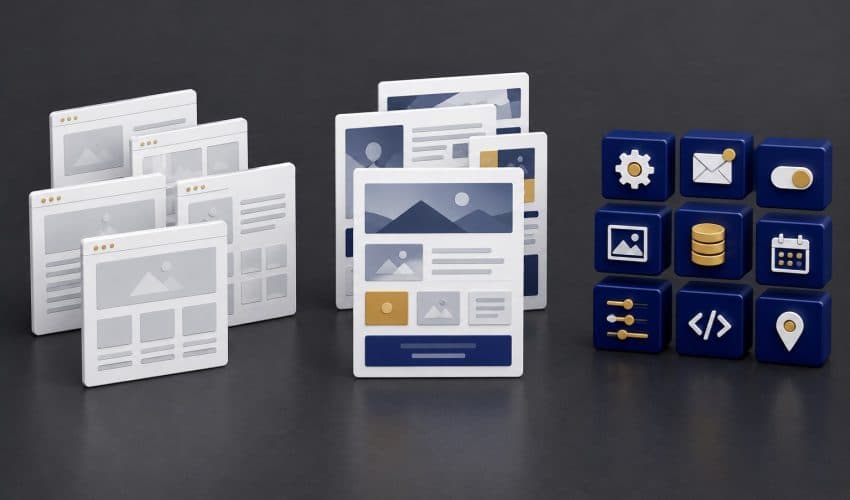
Have the provider describe the approach in ordinary language. A proposal may include several levels of customization, so avoid forcing the project into a simple template-or-custom choice.
| Proposed approach | What it may include | What to clarify |
|---|---|---|
| Predesigned site adaptation | Existing layouts adapted with your branding, content, and selected changes | Which structures remain fixed and which can change? |
| Tailored page design | Layouts planned around your information and customer decisions, implemented with chosen tools | Which page types are designed specifically for the project? |
| Custom theme or development | Purpose-built theme work, functionality, or integrations | Which requirement justifies the work and who maintains it? |
| Combined approach | Established components used alongside selected tailored layouts or features | Where are the boundaries and dependencies? |
Ask for the page types included, not just a page count. A homepage, service page, project case study, and product information page may need different layouts. Twenty pages using two structures represent different work from ten pages requiring ten independently planned layouts.
Also clarify what you’re delivering for future use. A tailored service-page structure that the team can reuse may have more operational value than several individually assembled pages that are difficult to keep consistent.
Pay for Layouts That Fit the Real Content
Good design work starts with the material the website needs to communicate. Service details, project evidence, buying questions, and the next customer action should influence the layout.
A predesigned layout can be useful when it accommodates that information. It becomes a limitation when important content is shortened, scattered, or removed simply to preserve the demonstration design.
Hypothetical example: A business supplier needs to present product specifications, supporting documents, and a quote request. A generic layout dominated by decorative images may not support that task well. A tailored page structure could organize the specifications and documents around the customer’s evaluation process.
Ask to review a representative page using realistic content before approving the wider design direction. Placeholder text can make almost any layout look tidy. Real information reveals whether the structure works.
Include the Way Your Team Will Add and Edit Pages
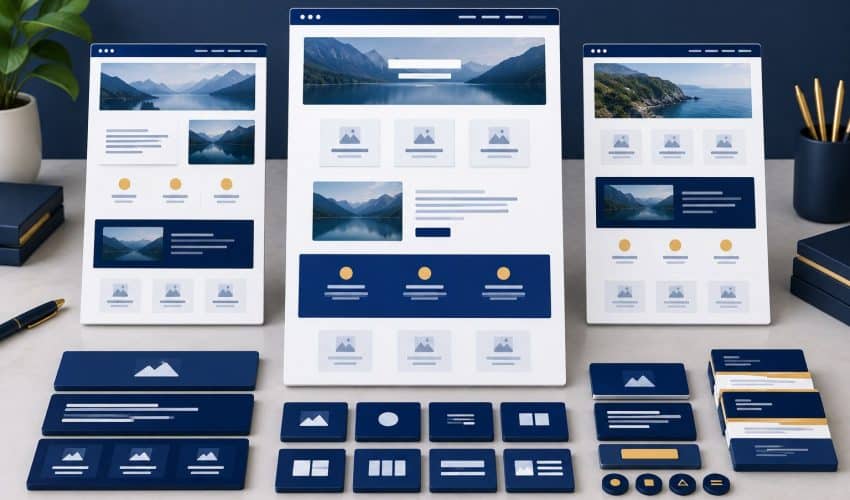
The website should remain usable after the launch presentation. Have the intended staff member try updating content and adding another page the business will need.
WordPress provides a block-based content editor, and a particular build may use that editor or another tool. The tool name alone doesn’t determine whether the setup is manageable.
- Demonstrate how a new service page will be created consistently.
- Show which shared elements change across the site and which are page-specific.
- Identify content fields the team can safely update.
- Explain how project examples and images should be added.
- Clarify which changes need developer review and what support is available.
A sensible editing structure can reduce duplicated work and inconsistent pages. Include that handoff in the comparison. Otherwise you may be evaluating only the appearance of the delivered pages and overlooking how the business will maintain them.
Separate Visual Design From Custom Functionality
Visual customization changes how you present information. Functional development changes what the website does. A project can require one, both, or a carefully chosen combination.
A booking rule, calculation, document workflow, or integration may justify additional technical work. An established component may handle a standard contact form adequately. Ask the provider to connect each proposed feature with a requirement.
Define how the feature will be tested, who supports it, and what happens when an outside service changes. Custom functionality creates an ongoing responsibility, not just an initial deliverable.
Our guide to matching the next step to the visitor can help identify the actual customer task. A feature should serve that task rather than add complexity because it looks impressive in a proposal.
Evaluate Search and Performance Work Separately
A custom design does not automatically include search research, service-page writing, technical optimization, or ongoing SEO. A template-based build does not automatically exclude them. Ask for those tasks in their own right.
Review our small business website SEO essentials when defining the initial scope. The page map, useful content, internal links, technical access, and launch checks need attention regardless of how you build the layouts.
Performance also depends on the actual implementation. Images, scripts, required features, hosting, and the way pages are built can affect the experience. Request checks of representative pages on mobile, not a claim based solely on the theme or design label.
Google’s page experience guidance recommends reviewing multiple aspects of the experience and explains that strong Core Web Vitals scores do not guarantee top rankings. Use the measurements to identify practical issues and assess the agreed work.
Understand Dependencies, Licenses, and Future Changes
Ask which theme, editor, plugins, custom components, and external services the site depends on. Clarify the required licenses and who controls the related accounts.
For customized theme work, have the developer explain how project changes are separated from updates to the underlying components. The answer should identify a maintainable approach, not require the business owner to learn theme development.
Discuss a likely future change, such as a new service type or a project gallery. Ask which parts of the proposed setup can accommodate it and what additional work it would require. This makes future flexibility more concrete.
If the site needs custom code, include documentation and support responsibilities in the handoff. If it uses standard components, identify their licenses and renewal arrangements. Either approach needs a clear maintenance plan.
Choose the Approach With a Representative Page Test
Before choosing, ask each provider to explain how a representative page and customer task will work in the proposed setup. Use the same requirements so the comparison stays meaningful.
- Supply realistic service or product content and relevant evidence.
- Identify the primary action the visitor should take.
- Review how the layout handles that material on a phone.
- Demonstrate the inquiry or other required functionality.
- Have the intended editor update the page and create a similar one.
- Confirm included search tasks, testing, licenses, and support.
Then compare the effort and value behind the quote. A predesigned starting point can be sensible when it fits the work. Tailored layouts can be worthwhile when the information needs them. Custom development should solve a requirement that warrants the extra responsibility.
The project should be specific enough that you can recognize what you are paying for and assess whether it was delivered. A design label is useful only after those decisions are clear.
Custom WordPress Design vs. Template FAQs
Yes. Reusable page structures can support a custom design and make related pages consistent. Ask whether the provider starts from a predesigned site, creates tailored layouts, develops a theme, or combines those approaches. The proposal should describe the actual work.
It is a form of adaptation, but it doesn’t match the scope of planning original layouts around your content and customer tasks. Providers use the word custom differently. Ask which design decisions are made specifically for your business and how those decisions will be reviewed.
The label alone is not enough to judge performance. Evaluate the actual pages, images, features, scripts, hosting, and user experience. Request appropriate performance checks and an explanation of any problems. A bespoke build can still be implemented poorly.
Not necessarily. An established form tool may meet a straightforward requirement. More involved routing, calculations, or integrations can require additional work. Describe the complete inquiry process and ask the developer to explain the simplest maintainable solution.
Ask for a demonstration using your intended page types and routine edits. Confirm the editor, templates, access, licenses, documentation, and support responsibilities. Test how a new service or project page will be created, not just how the finished homepage looks.
Define the WordPress Website Work You Need
Elite SEO Consulting connects website planning with your services, search foundations, and customer inquiries. Explore our website design and development services to discuss the appropriate scope.
Bring your current site, representative content, and required customer tasks. We can discuss whether adapted layouts, tailored page design, or additional development fits your needs. Request a website consultation or call 719-474-9404.