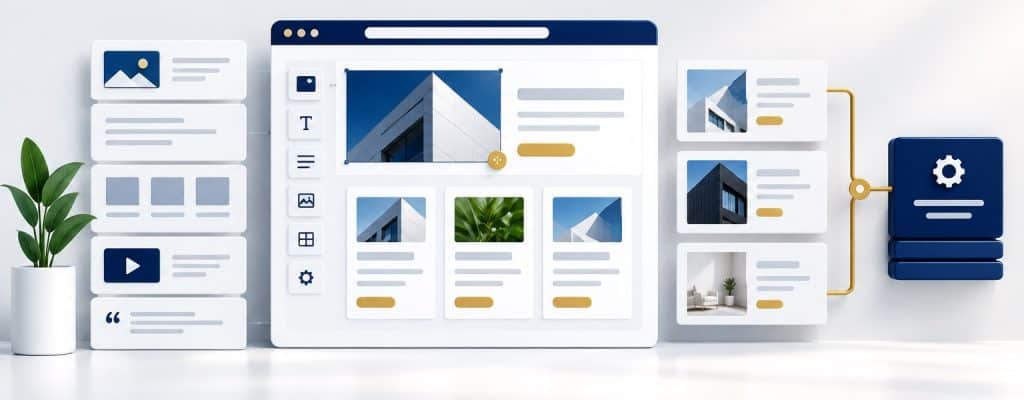
Yes, you can often update your own WordPress website after a developer builds it. Routine text changes, image replacements, articles, and project updates can be manageable when the site has a sensible editing setup, appropriate access, and practical training. Technical changes and maintenance still need clearly assigned responsibilities.
Table of contents
- Yes, If the Website Is Built and Handed Over for That Purpose
- Separate Routine Content Edits From Technical Changes
- Ask for Training on Your Actual Website
- Use Access That Matches the Person’s Responsibilities
- Follow a Repeatable Process for Content Updates
- Keep Search Intent, Links, and Customer Actions Intact
- Understand What Revisions and Backups Can Recover
- Keep a Clear Route for Changes That Need Help
- Updating Your Own WordPress Website FAQs
- Build a Website Your Team Can Manage
The useful question is what your team will be able to update on the actual website. A promise that WordPress is easy to use doesn’t explain where the content lives, how shared layouts work, or what happens if someone makes a mistake.
When planning WordPress website development, include the handoff in the project scope. Your staff should understand how to maintain useful information after launch.
Yes, If the Website Is Built and Handed Over for That Purpose
WordPress provides tools for publishing and editing content, but every build is not organized the same way. One site may use the block editor, another a page builder, and another a mixture of tools and custom content fields.
The official WordPress block editor documentation describes content elements such as paragraphs, images, headings, and lists. Those capabilities are useful when the developer has configured them around the tasks your team needs.
Ask for a demonstration before assuming a particular edit is straightforward. A well-planned setup should make routine tasks clear and keep more involved changes tied to a support process.
The goal isn’t to turn the owner into the website’s full-time technician. It is to give the business a practical way to keep services, projects, and customer information up to date.
Separate Routine Content Edits From Technical Changes
Identify the work staff will handle and the work that needs technical review. The boundary depends on the implementation, so use examples from your own site.
| Task | What to establish during handoff |
|---|---|
| Correct service information | Where the copy is edited and who approves the facts |
| Add a project or article | The approved structure, image process, and publishing review |
| Update contact details | Which locations on the site and connected services need checking |
| Change a shared layout | Whether the edit affects other pages and who should review it |
| Alter forms, integrations, or code | The technical support process and required functional tests |
| Update software or hosting settings | The maintenance owner’s responsibilities and recovery plan |
A service-description correction may be routine. Reorganizing the entire service navigation or changing how estimate requests reach the sales team is a different kind of task. Label the work by what it affects, not by how small it looks on screen.
Shared elements deserve particular attention. A change to a reused section or template may affect more pages than the one currently open. Have the developer show your team how to recognize those elements.
Ask for Training on Your Actual Website
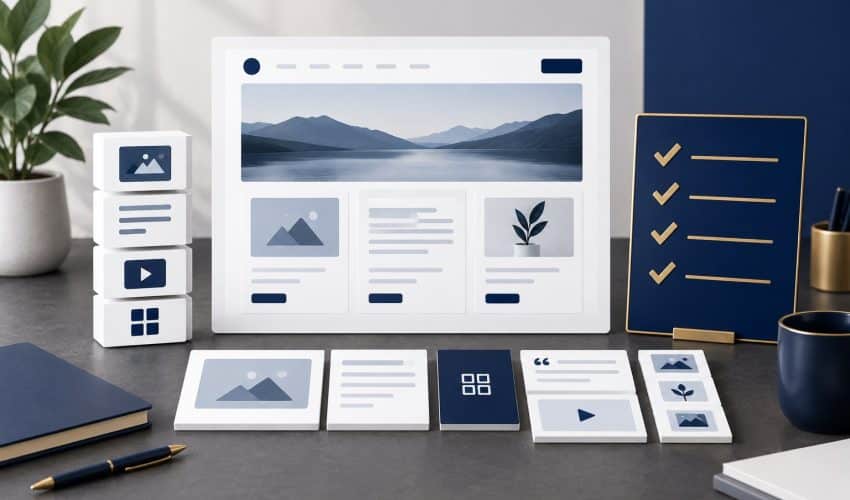
Training should cover the actual pages, tools, and responsibilities your staff will use. A general WordPress video can provide background, but it cannot explain every choice made in a specific build.
- Correct a service description and preview the result.
- Replace an image using the agreed sizing and description process.
- Create a project or article using the intended structure.
- Check which elements are shared across pages.
- Review the approval and publishing process.
- Find the support contact and explain how to report an unexpected result.
Have the intended editor perform the task while the trainer observes. Watching a developer complete an update quickly is different from being able to repeat it independently.
Hypothetical example: A business wants an office manager to publish new project examples. The handoff should demonstrate the project template, image preparation, descriptive text, relevant links, and review process. That is more useful than a broad tour of every WordPress settings screen.
Ask for a short reference or recording when available under the project scope. Keep it current when the editing setup changes.
Use Access That Matches the Person’s Responsibilities
WordPress uses roles and capabilities to control what users can do. Its official role documentation explains that permissions differ between roles. A site’s configuration may also add or change capabilities.
Match the person managing the website to the duties assigned. Routine content work does not automatically mean a staff member needs responsibility for plugins, themes, users, or technical settings.
Keep account-management responsibility clear as staff and providers change. The business should know who controls essential accounts and who can authorize changes.
Access alone is not training. A person can have permission to change something without understanding its effect. Define both permitted tasks and a process for asking about unfamiliar settings.
Follow a Repeatable Process for Content Updates
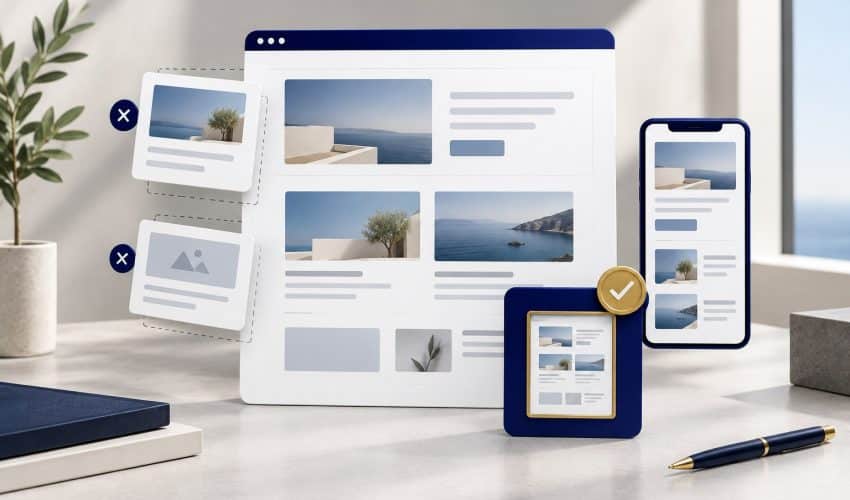
A repeatable content-editing process helps keep information accurate and makes problems easier to investigate. The exact controls depend on the editor and site configuration, but the review habits can remain consistent.
- Confirm the page and the reason for the change before editing.
- Use the tool and content area demonstrated during handoff.
- Keep the change focused enough to review clearly.
- Preview the result on desktop and mobile where available.
- Check links, images, headings, and the relevant customer action.
- Complete the agreed approval and publishing step.
- Review the live result and record substantial changes.
For an image, use a file suited to its purpose and the site’s agreed specification. Do not assume that shrinking its appearance on the page makes the source file smaller. Ask the developer how the team handles image preparation and optimization.
For contact information, check where else the detail appears. A phone number may be repeated in shared sections, contact pages, or connected systems. Updating one visible instance may not complete the task.
If the preview behaves unexpectedly, stop and use the support process rather than making a series of unfamiliar adjustments. Describe the page, intended change, observed result, and when it occurred.
Keep Search Intent, Links, and Customer Actions Intact
Understand why the page exists before rewriting it. A service page may answer specific buying questions and connect visitors to relevant evidence or an inquiry process. Preserve that purpose while improving the information.
Changing a URL, removing a useful service explanation, or deleting an internal link can affect more than the visual layout. Treat structural and search-related changes as planned work with appropriate review.
Our small business website SEO essentials provide a useful starting point for understanding those connections.
Also review the next step a customer is expected to take. If you update an offer or service, make sure its contact path still fits. Our guide to matching the next step to the visitor explains why the surrounding information matters alongside the button or form.
Understand What Revisions and Backups Can Recover
WordPress’s revisions documentation describes a record of saved content changes you can review and restore. Ask the developer to demonstrate what is available in your setup.
A content revision is not the same as a complete website backup. WordPress’s backup guidance explains the role of both files and the database in restoring a typical site.
Have the maintenance owner explain the recovery options, what they cover, and who can use them. Do not assume that every layout, plugin setting, deleted item, or external integration can be restored through the page revision screen.
The business should know how to request help and what information to provide. Recovery is easier to discuss when responsibilities are understood before an unexpected change.
Keep a Clear Route for Changes That Need Help
Your team can handle agreed routine updates while retaining professional help for more involved work. Define that split during the build rather than after staff encounters the first unfamiliar task.
Technical support may be needed for new functionality, integrations, template changes, software maintenance, or problems that affect several parts of the site. Ask how those requests are scoped and approved.
Review the arrangement as the business grows. A new staff editor may need training, and a new service type may need a different page structure. The original handoff should be a foundation you can update.
A useful setup is one that lets the business maintain the information it needs and get appropriate help when the work exceeds that scope.
Updating Your Own WordPress Website FAQs
Not for many routine content tasks in a well-configured site. You can update text, replace an image, or publish a project through the chosen editor. The actual experience depends on the build, access, and training, so ask for a demonstration using your website.
A developer may configure the site with a page builder, the block editor, or a combination. Ask which tool controls each type of content and follow the training for that setup. Do not assume changing editors on an existing page will preserve the intended result.
Access should match the tasks a person is responsible for. WordPress roles provide different capabilities, and the site’s configuration may add or change them. Have the person managing the site define the appropriate permissions and keep responsibility for technical settings clear.
WordPress provides a revisions system for supported saved content changes, but recovery options depend on the site and the type of change. Ask the developer to demonstrate revisions and explain the backup process. Content revisions are not a replacement for a full website recovery plan.
Routine updates can keep information useful, but changes to URLs, important headings, service explanations, internal links, or search settings deserve review. Understand the page’s purpose and preserve relevant information. Ask for help when the planned change affects structure or visibility beyond a straightforward correction.
Build a Website Your Team Can Manage
Elite SEO Consulting connects website planning with the services you want to grow, search foundations, and practical ongoing use. Explore our website design and development services to discuss the build and handoff.
Bring your current site and the updates your team wants to manage. We can discuss an editing setup, training needs, and support responsibilities that fit the work. Request a website consultation or call 719-474-9404.